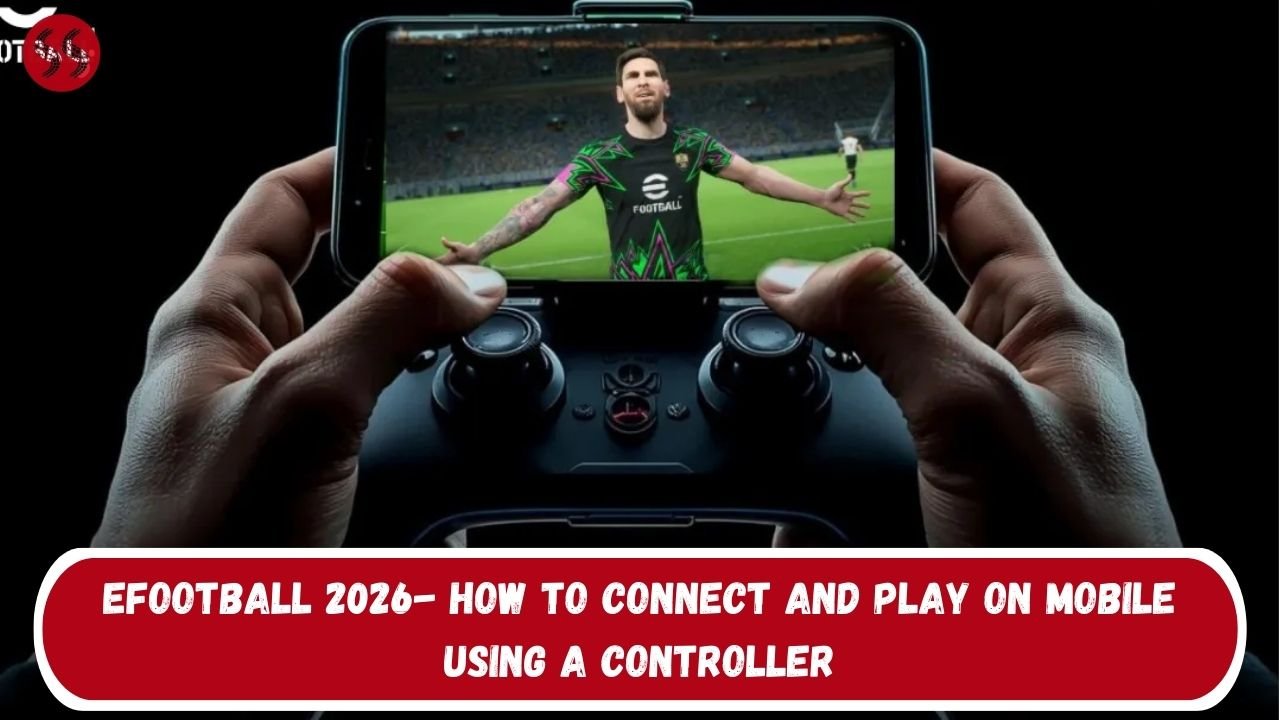

eFootball 2026- How to connect and play on mobile has become one of the most talked-about topics after KONAMI rolled out controller support with the v5.3.0 update. While the feature is still limited, it marks a major shift for mobile players who want a more console-like experience.
Controller support arrives with limitations
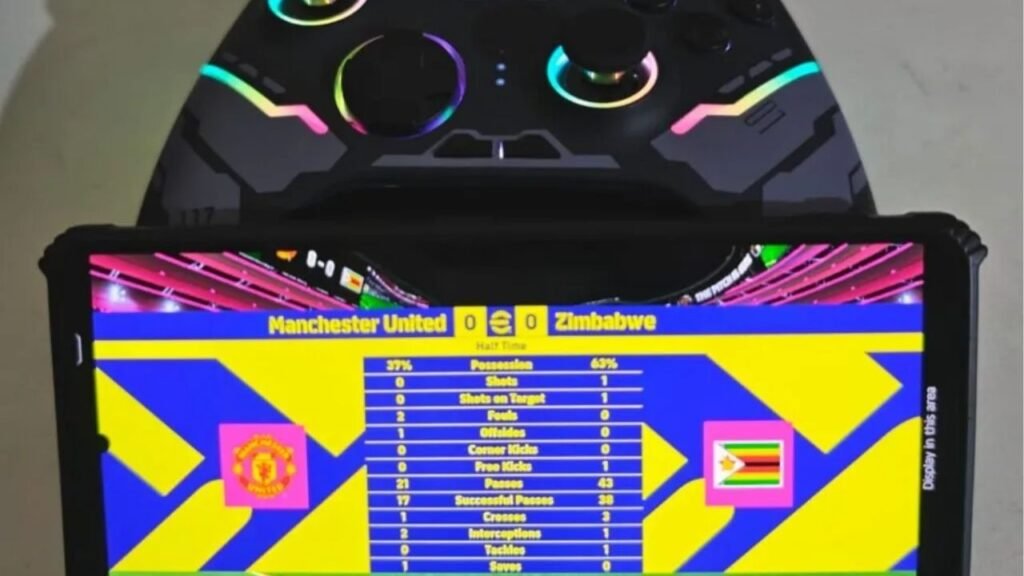
With the latest update, eFootball 2026- How to connect and play using a controller is finally possible on mobile devices. At launch, controller compatibility is restricted to AI modes only, meaning online PvP matches still rely on touch controls. KONAMI has confirmed that PvP controller support will arrive in a future update, but for now, players can test and enjoy better control in offline modes.
Even with this limitation, the update is significant. For players used to console gameplay, eFootball 2026- How to connect and play with physical buttons brings more precision, smoother movement, and better shooting accuracy. It also opens the door for casual players to experiment with controllers before competitive modes go live.
Wireless controller connection explained
For most users, wireless is the easiest way to get started. eFootball 2026- How to connect and play wirelessly works the same on both Android and iOS. Simply turn on your controller and activate pairing mode. PlayStation controllers require holding the PS and Share/Create buttons, while Xbox controllers use the top Pair button.
Once pairing mode is active, open your phone’s Bluetooth settings, select the controller when it appears, and confirm the connection. After pairing, eFootball 2026- How to connect and play becomes seamless, as the game automatically detects the controller without extra configuration.
Wired controllers and the future of mobile gameplay

If you prefer minimal input delay, a wired setup is ideal. eFootball 2026- How to connect and play with a wired controller requires a USB-C OTG adapter, which allows your phone to recognize the controller instantly. Plug in the adapter, connect the controller cable, and you’re ready.
Looking ahead, eFootball 2026- How to connect and play with full controller support could change mobile competitive balance. Many players are already pairing controllers with screen casting to TVs, creating a near-console setup. As KONAMI expands support, eFootball 2026- How to connect and play may redefine how mobile football games are experienced.
SEE MORE: